
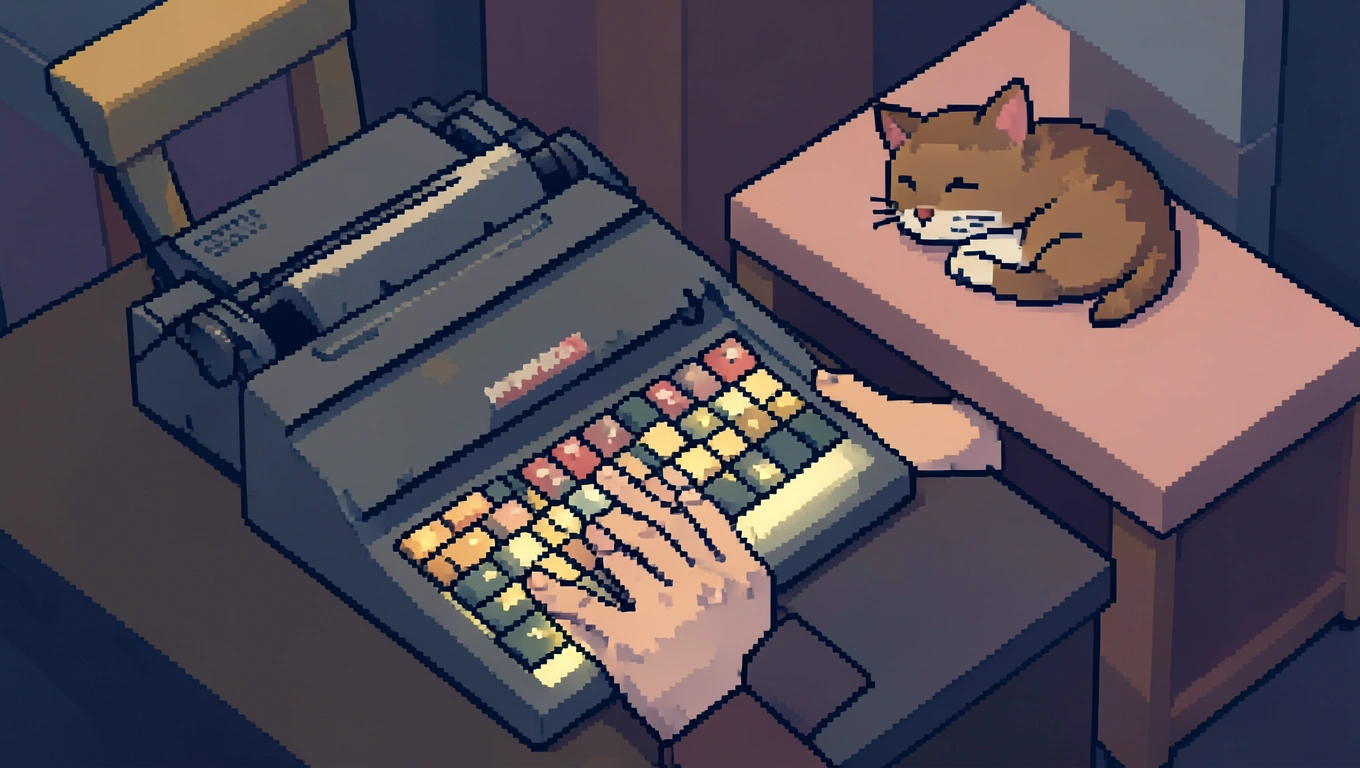
Every time you sit down to type, your fingers land on the same familiar arrangement of letters. QWERTY. It’s so ingrained in our muscle memory that we rarely stop to question why Q, W, E, R, T, and Y occupy that coveted top-left position. The truth is, this layout wasn’t designed for speed or comfort. It was engineered to solve a mechanical problem that hasn’t existed for over a century, yet here we are in 2026, still using it on our sleek laptops and touch screens. The story of how we got stuck with this peculiar arrangement reveals a fascinating collision of engineering constraints, commercial success, and the stubborn power of habit.
The QWERTY keyboard layout was devised in the early 1870s by Christopher Latham Sholes for mechanical typewriters. Back then, typing quickly on certain letter combinations would cause the metal type bars to jam as they swung up to strike the paper. Sholes rearranged the keys to separate commonly paired letters, forcing typists to slow down just enough to prevent these mechanical collisions. The name “QWERTY” itself comes from the first six letters found on the top-left row of the keyboard. Despite its design being rooted in overcoming mechanical limitations of old typewriters, the QWERTY layout became the de facto standard due to the commercial success of the Remington No. 2 typewriter in 1878 and its widespread adoption.
Quick Takeaways
- QWERTY was designed to prevent mechanical typewriter jams, not for typing speed
- The Remington No. 2 typewriter in 1878 cemented QWERTY as the standard
- Alternative layouts like Dvorak can reduce finger travel but adoption remains low
- Switching costs and muscle memory keep QWERTY dominant despite better options
The Mechanical Origins of an Inefficient Design
When Christopher Latham Sholes was tinkering with his typewriter design in the 1870s, he faced a problem that modern keyboard users never think about. Early typewriters used metal arms called type bars that swung up from a circular basket to strike an ink ribbon against paper. When a typist hit keys in rapid succession, especially common letter pairs like “th” or “he”, the type bars would collide mid-swing and jam together in a tangled mess.
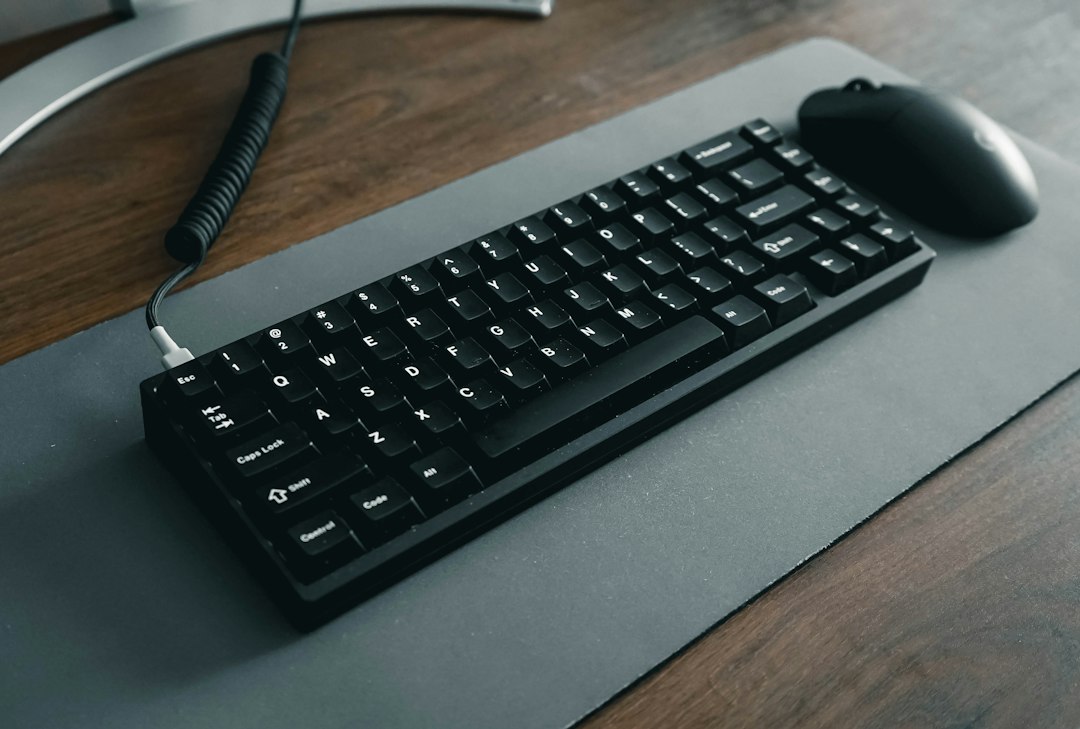
Sholes experimented with different arrangements to physically separate these frequently paired letters. He scattered common combinations across the keyboard so the corresponding type bars would approach the striking point from different angles, reducing the chance of collision. The letter A ended up under your left pinky not because it’s efficient, but because it needed distance from other vowels. The same logic explains why the common letters E and I sit so far apart, and why your left hand does more of the work than your right when typing English text, handling roughly 56-57% of keystrokes.
The layout wasn’t purely about preventing jams, though. Sholes also considered the needs of telegraph operators who were early adopters of the technology. They needed quick access to certain letter sequences for transcribing Morse code. The final QWERTY arrangement represented a compromise between mechanical necessity, operator preference, and probably a fair amount of trial and error.
How Commercial Success Locked In an Outdated Standard
🤨 The Curious Bit
The Remington No. 2 typewriter, released in 1878, was the first commercially successful model to feature the QWERTY layout and the shift key, establishing a standard that would persist for well over a century despite being designed around a mechanical limitation we no longer face.
The Remington Arms Company, better known for manufacturing rifles, bought the rights to Sholes’ typewriter design and released the Remington No. 2 in 1878. This machine became wildly popular, and with it, the QWERTY layout spread through offices, schools, and businesses. Typing schools taught students to touch-type on QWERTY keyboards. Businesses bought QWERTY typewriters. A whole generation of professional typists built their careers around this specific arrangement.
By the time alternative layouts were proposed, the switching costs had become enormous. Imagine retraining every secretary, clerk, and journalist in the country to use a different keyboard. Imagine replacing every typewriter in every office. The momentum of standardization proved nearly impossible to overcome. This phenomenon, where an inferior technology becomes entrenched simply because it arrived first and gained widespread adoption, shows up repeatedly throughout technological history.
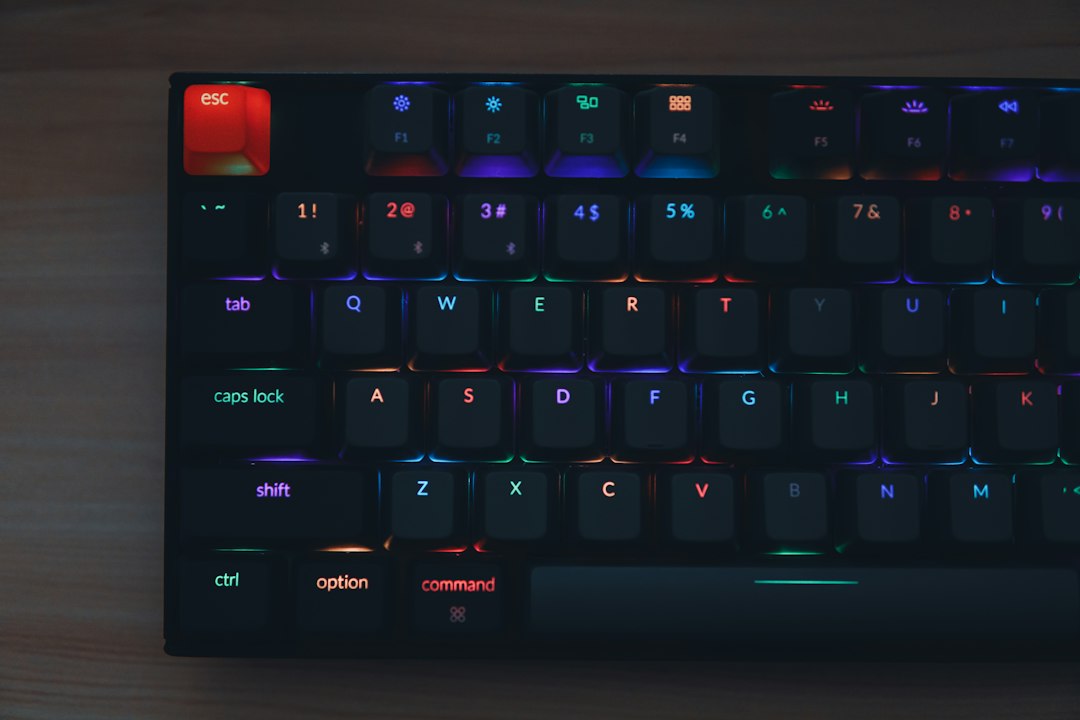
When computers arrived decades later, keyboard manufacturers simply replicated the familiar QWERTY layout. There was no mechanical reason to maintain this arrangement on electronic keyboards where no type bars could jam, but changing it would have alienated millions of touch typists. The installed base of QWERTY muscle memory was simply too valuable to abandon. Software engineers designed operating systems around QWERTY. Game developers mapped controls to QWERTY keys. The layout became self-reinforcing.
The Case for Alternative Layouts
Not everyone accepted QWERTY as the final word in keyboard design. The Dvorak keyboard layout was developed to enhance typing efficiency and comfort by placing the most frequently used letters in the English language on the home row, where fingers naturally rest, to minimize finger movement. Proponents suggest that using the Dvorak layout can reduce overall finger travel distance compared to QWERTY.
The Dvorak layout puts A, O, E, U, and I under your fingers on the home row, along with commonly used consonants. This arrangement means you can type thousands of common English words without your fingers ever leaving that central position. Your hands alternate more evenly between left and right, creating a more balanced, rhythmic typing experience. Some users report less finger fatigue and faster speeds after making the switch, though the adjustment period can take weeks or months.
Major operating systems like Windows, macOS, and Linux offer the option for users to switch to the Dvorak layout, and there are other alternatives too. Colemak, for instance, changes fewer keys from QWERTY, making the transition easier while still improving efficiency. Workman prioritizes keeping your fingers on the home row even more aggressively. Specialized layouts exist for specific languages, programming, or one-handed typing.
Yet despite these options being freely available in every modern operating system, adoption remains minimal. Most estimates suggest well under one percent of typists use anything other than QWERTY. The problem isn’t that better layouts don’t exist or aren’t accessible. The problem is that learning a new layout requires temporarily sacrificing the speed and automaticity you’ve built up over years of QWERTY typing. For most people, the short-term productivity loss outweighs the potential long-term gains.
Why We’re Probably Stuck With QWERTY
The economics of keyboard layouts create what economists call a coordination problem. Even if every individual would benefit from switching to a more efficient layout, no single person has enough incentive to switch first. Your QWERTY skills transfer to every computer you encounter at work, at the library, at a friend’s house. Your productivity depends on being able to sit down at any keyboard and type without thinking.
The network effects work against change too. QWERTY persists because everyone else uses QWERTY. Keyboard shortcuts in software assume QWERTY. Video games map movement to WASD because those keys are conveniently positioned on a QWERTY keyboard. Hotkeys for copy, paste, undo, and save work smoothly because software designers assumed your left hand rests on a QWERTY home row.
Mobile devices added another layer of complexity. Touch-screen keyboards don’t require any particular physical layout since there are no mechanical constraints at all, yet they almost universally default to QWERTY. Some phones offer alternative layouts in their settings, but few users bother to explore these options. We’ve carried QWERTY from mechanical typewriters to electric typewriters to computer keyboards to phone screens, each time choosing familiarity over optimization.
There’s also the question of whether keyboard layout matters as much as it once did. Voice input, predictive text, and autocorrect reduce our dependence on raw typing speed. AI writing assistants and text expansion tools mean we type fewer characters to achieve the same output. For many people, typing speed stopped being a bottleneck long ago. The thinking time and research time far exceed the actual keystroke time, making keyboard efficiency less critical than it was in the typing pool era.
To sum things up
The QWERTY keyboard layout is a monument to path dependence. It solved a problem that no longer exists, yet it remains the global standard because the costs of switching outweigh the benefits for almost everyone. More efficient alternatives exist and are freely available, but changing would require a coordinated effort across billions of devices, millions of software applications, and countless hours of retraining. The layout on your keyboard right now was optimized for machines built during the presidency of Ulysses S. Grant, and barring some revolutionary input technology that makes physical keyboards obsolete, you’ll probably be using QWERTY for the rest of your life.
What makes this story particularly interesting isn’t just that we’re stuck with a suboptimal design. It’s that we barely notice. The inefficiency of QWERTY has become invisible through sheer familiarity. Our fingers have learned to navigate its quirks so thoroughly that it feels natural. Sometimes the most powerful technologies aren’t the most elegant or efficient. They’re simply the ones we learned first.
Questions People Ask
Why is the keyboard called QWERTY?
The name comes from the first six letters on the top-left letter row of the keyboard: Q, W, E, R, T, Y. This arrangement was created for early typewriters and the name stuck as a way to distinguish this layout from other keyboard arrangements. When you see “QWERTY keyboard” in a product description, it’s simply confirming that the keys follow this standard Western layout rather than an alternative like AZERTY (used in France) or Dvorak.
Could I actually type faster on a Dvorak keyboard?
Possibly, but it depends on many factors beyond just the layout. Dvorak places common letters on the home row and is designed to minimize finger travel, which can reduce fatigue and potentially increase speed for some users. However, the transition period requires weeks or months of practice during which you’ll type much slower than your current QWERTY speed. Studies on speed advantages show mixed results, and your actual performance would depend on your natural typing style, how much you practice, and whether you’re willing to stick with it through the awkward learning phase.
Do all countries use QWERTY keyboards?
No, keyboard layouts vary by language and country. French-speaking countries often use AZERTY, which swaps the positions of Q and A, W and Z. German keyboards use QWERTZ, swapping Y and Z to better accommodate German spelling. Many other languages have their own optimized layouts that place letters with diacritical marks in accessible positions. However, QWERTY dominates in English-speaking countries and is widely recognized internationally, making it the closest thing to a global standard even if it’s not universal.
Why don’t phone keyboards use a better layout?
Mobile device keyboards default to QWERTY primarily because of user familiarity. Even though touch screens have no mechanical constraints and could use any arrangement, manufacturers know that people expect to find letters in their familiar positions. Some mobile keyboards do offer alternative layouts in the settings, and predictive text reduces the importance of raw layout efficiency. For most phone users, autocorrect and swipe-typing features matter more than the underlying key arrangement, so there’s been little demand for change.