
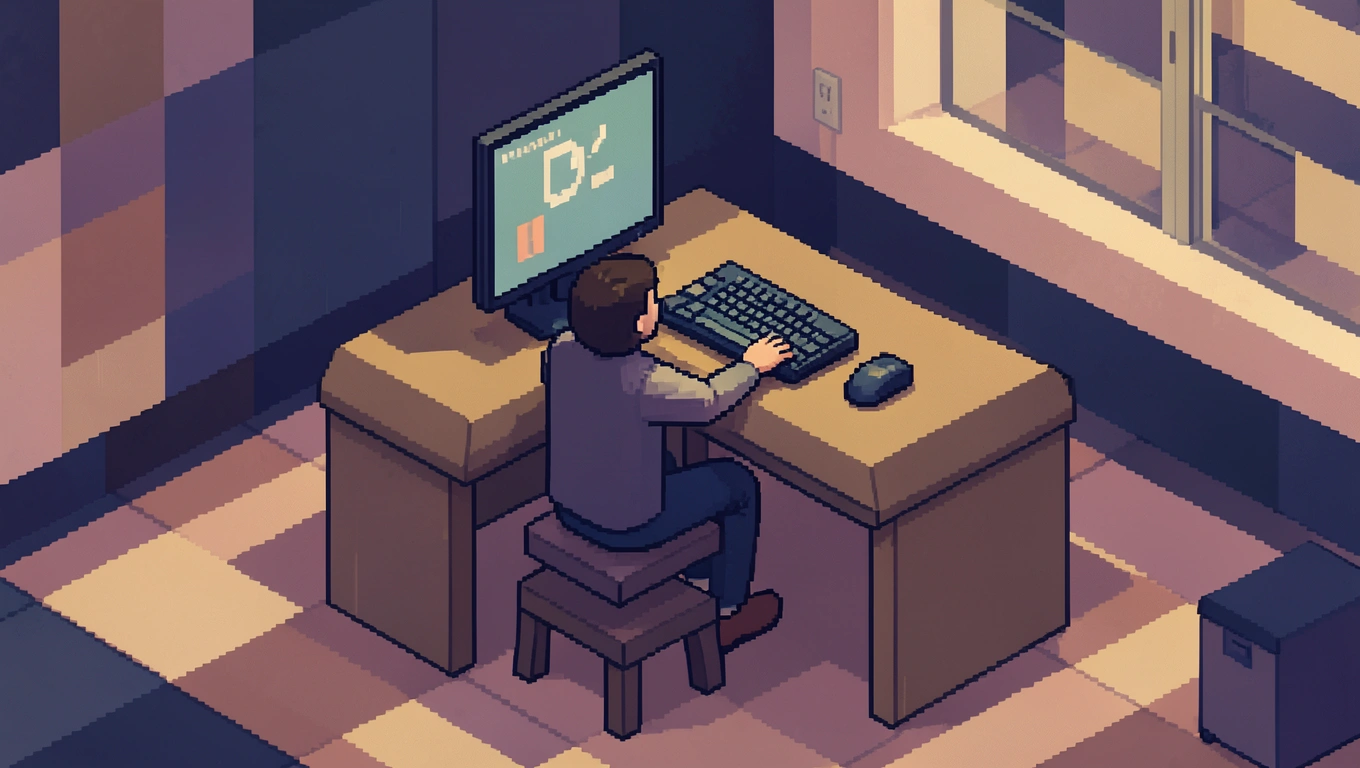
Your desk setup affects more than just comfort – it shapes your productivity, your physical health, and even your mood throughout the workday. Most of us spend hours seated at our desks without realizing that small misalignments in our workspace gradually build into chronic discomfort, fatigue, and strain. The good news? A quick five-minute check can identify and correct the most common ergonomic mistakes before they become problems. You don’t need expensive equipment or a complete overhaul. What you need is to know what to look for and how to adjust what you already have.
Taking a few minutes to assess your desk setup isn’t about perfectionism. It’s about catching the preventable issues that contribute to musculoskeletal disorders, which affect millions of workers every year. When your monitor sits too high, your keyboard rests too far away, or your chair lacks proper support, your body compensates in ways that feel manageable in the moment but accumulate into real pain over time. This quick check walks you through the essential points of a healthy workspace, from screen height to lighting, so you can spot what needs fixing right now.
Quick Takeaways
- Monitor should be arm’s length away with the top at or below eye level
- Chair height should let your feet rest flat with knees bent at 90 degrees
- Keyboard and mouse should be close enough to keep elbows at right angles
- Correcting ergonomic errors can reduce discomfort significantly and improve focus
Monitor Position and Eye Strain
Your monitor’s position determines how your neck and eyes work throughout the day. If the screen sits too high, you tilt your head back and strain the muscles at the base of your skull. Too low, and you hunch forward, compressing your spine and creating tension in your shoulders. The correct position places the top of the screen at or slightly below eye level, allowing you to look straight ahead or down just a few degrees without bending your neck.
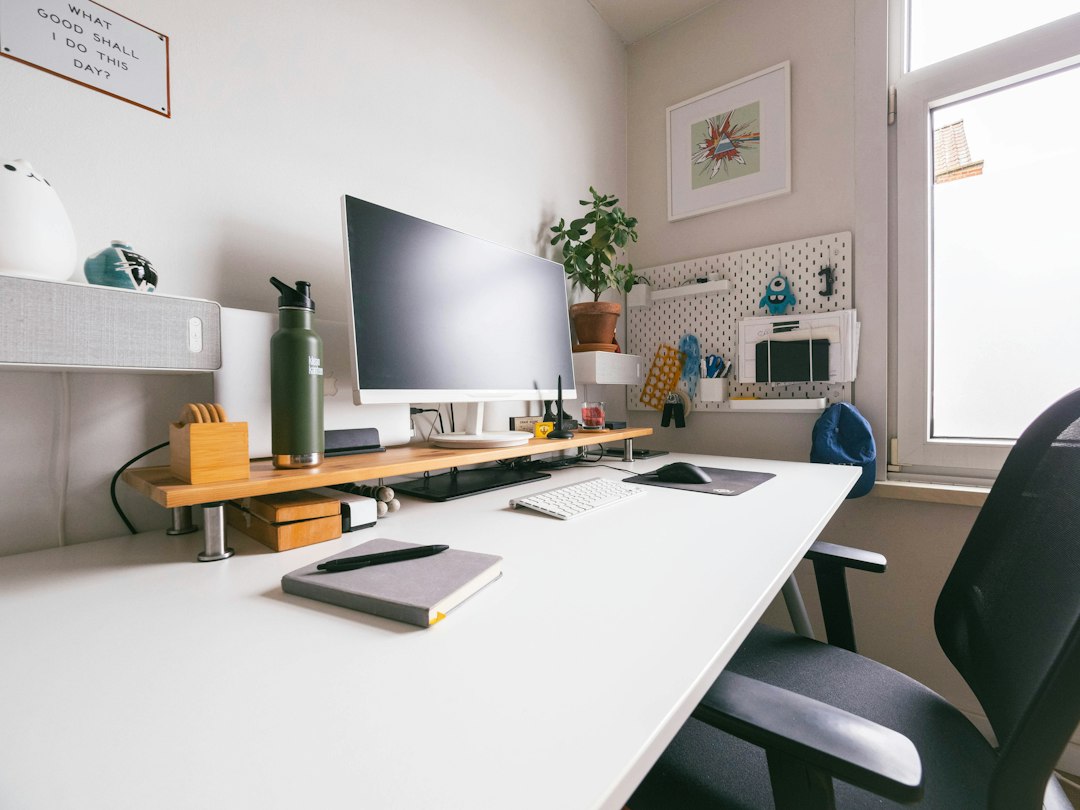
Distance matters as much as height. Your monitor should sit about an arm’s length away from where you sit. This distance reduces eye strain because your eyes don’t have to work as hard to focus on text and images. If you find yourself leaning forward to read the screen, the text is too small or the monitor is too far back. Adjust the display scaling in your computer settings or move the screen closer before you default to hunching.
Glare and reflections force your eyes to work harder and can trigger headaches. If your monitor faces a window or reflects overhead lights, angle the screen slightly or reposition your desk. Screen breaks and proper desk setup offer relief from work-related eye strain, so combining good positioning with regular pauses makes a measurable difference in how your eyes feel by the end of the day.
Chair Height and Lower Body Comfort
Chair height affects circulation, posture, and lower back health. When your chair is too high, your feet dangle and pressure builds on the underside of your thighs, restricting blood flow. Too low, and your knees rise above your hips, forcing your pelvis to tilt backward and flattening the natural curve of your lower spine. The right height lets your feet rest flat on the floor with your knees bent at approximately 90 degrees and your thighs parallel to the ground.
If your desk height is fixed and your chair can’t go low enough for your feet to touch the floor, use a footrest. A small box or a dedicated footrest keeps your legs supported and prevents the circulation issues that come with dangling feet. Your lower back should rest against the chair’s lumbar support, filling the gap between your lower spine and the backrest. If your chair lacks adjustable lumbar support, a small cushion or rolled towel can serve the same purpose.
🤨 The Curious Bit
Sitting for more than six hours a day increases your risk of death by 40 percent, which is why alternating between sitting and standing throughout the day makes such a difference to long-term health.
Keyboard, Mouse, and Wrist Position
Repetitive strain injuries develop slowly, starting with minor discomfort in your wrists, forearms, or fingers and progressing into chronic pain that interferes with work and daily tasks. The way you position your keyboard and mouse directly influences whether you develop these injuries. Your keyboard should sit close enough that your elbows stay bent at about 90 degrees and rest near your sides, not stretched forward or pulled back.
Wrist position matters just as much as arm position. Your wrists should remain in a neutral position, neither bent upward nor downward, as you type or use the mouse. If your keyboard is too high or angled steeply, your wrists bend upward and compress the tendons running through your wrist, increasing the risk of conditions like carpal tunnel syndrome. Most keyboards have small flip-out feet on the back – leave those folded down to keep the keyboard flat or angled slightly away from you.
Your mouse should sit at the same height as your keyboard and close enough that you don’t have to reach for it. If you use a laptop trackpad, consider whether an external mouse reduces the strain on your fingers and thumb. Keep frequently used items like pens, notepads, or your phone within arm’s reach so you don’t twist or stretch repeatedly throughout the day. Even brief movements can help ease discomfort, so combining good positioning with short activity breaks throughout the day prevents stiffness from building up.
Lighting and Environmental Factors
Lighting affects both eye strain and mood. Harsh overhead fluorescent lights create glare and force your eyes to constantly adjust between the bright screen and the surrounding environment. Natural light, when available, is the most comfortable option because it closely matches the light spectrum your eyes evolved to process. Positioning your desk near a window brings the benefit of natural light without the glare that comes from facing the window directly.
If natural light isn’t an option, choose warm, diffused artificial lighting instead of cool, direct overhead lights. A desk lamp with adjustable brightness lets you control the light on your workspace without flooding the entire room. Avoid positioning bright lights directly behind your monitor, as this increases the contrast between the screen and the background and forces your eyes to work harder.
Temperature and noise also play roles in comfort and concentration. If your workspace is too cold, you tense your muscles to stay warm, which leads to stiffness. Too warm, and you lose focus and energy. White noise or background sound can mask distracting environmental noise, but if you use headphones for extended periods, make sure they fit comfortably and don’t create pressure points.
Clutter, Organization, and Mental Load
A cluttered desk creates visual noise that your brain has to filter constantly. Papers stacked haphazardly, cables tangled across the surface, and random objects scattered around your workspace all increase cognitive load. Your brain expends energy processing and ignoring these distractions, leaving less mental capacity for the work that actually matters. A clean, organized desk reduces this background stress and creates a sense of calm and control.
Organization doesn’t mean minimalism or sterile emptiness. It means keeping what you use regularly within reach and storing or removing what you don’t. Cable management – routing cords through clips or sleeves instead of letting them dangle – clears visual clutter and reduces the chance of accidentally yanking a cable loose. A small tray or drawer for pens, sticky notes, and other supplies keeps them accessible without letting them spread across your desk.
Your desk setup also includes what you keep nearby. If you drink water throughout the day, keep a water bottle within reach so you don’t forget to hydrate. If you take notes by hand, keep a notebook and pen in a consistent spot so you don’t waste time searching for them. These small choices reduce friction and let you focus on the work itself rather than on managing your workspace.
To sum things up
A five-minute check of your desk setup isn’t a one-time task. Your body changes throughout the day, your chair shifts, and your habits evolve as your work changes. What worked perfectly last month might need adjustment today. The key is building the habit of noticing discomfort early and correcting it before it becomes pain. When your neck feels tight, check your monitor height. When your wrists ache, assess your keyboard position. When your lower back complains, adjust your chair.
The research is clear – improper desk setups contribute to musculoskeletal disorders that affect millions of people, and correcting ergonomic errors reduces discomfort and improves focus. You don’t need a standing desk, an expensive chair, or a complete redesign to make a difference. You need awareness of how your body feels, knowledge of what to adjust, and five minutes to make those changes. Run through the checklist regularly – monitor height, chair position, keyboard placement, lighting, and organization – and you’ll catch problems while they’re still easy to fix.
Questions People Ask
How often should I check my desk setup?
Check your desk setup whenever you notice discomfort or when something in your workspace changes, such as a new chair, monitor, or desk. A quick monthly review ensures small misalignments don’t turn into chronic problems. If you work from different locations or alternate between sitting and standing, check your setup each time you switch positions to maintain proper ergonomics across all your workspaces.
Can a standing desk fix ergonomic problems?
A standing desk helps by letting you alternate positions throughout the day, which reduces the strain of static posture. However, standing desks don’t automatically fix ergonomic problems. You still need proper monitor height, keyboard position, and footwear that supports your feet. Standing in one position for hours creates its own strain, so the real benefit comes from switching between sitting and standing regularly, not from standing all day.
The fastest fix for neck pain related to your desk setup is adjusting your monitor height so the top of the screen sits at or slightly below eye level. Most neck pain comes from tilting your head up or down to see the screen, which strains the muscles supporting your skull. If your monitor is too low, stack books or use a monitor stand to raise it. If it’s too high, lower it or raise your chair slightly.
Do I really need an ergonomic chair?
An ergonomic chair with adjustable features like lumbar support, seat height, and armrests makes it easier to maintain proper posture and reduces the risk of back and neck strain. However, you don’t necessarily need an expensive chair to work comfortably. If your current chair lacks lumbar support, a cushion or rolled towel can fill the gap. Focus on adjustability and support rather than price, and make sure your chair lets you sit with your feet flat and your back supported.